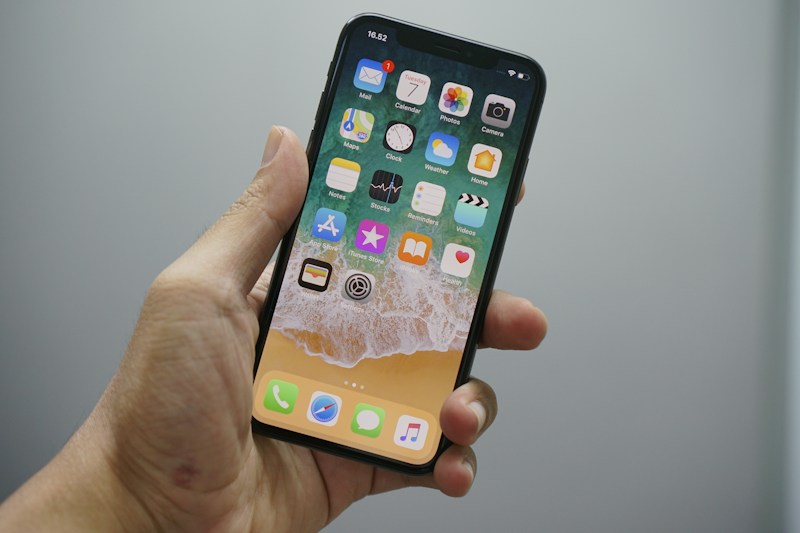
Ever get that dreaded notification that your iPhone storage is almost full? Suddenly, you're trying to decide which pictures to delete, which apps to sacrifice, and whether you really need 47 pictures of the same dog.
Before you start shopping for a new phone, take a breath. You might have plenty of room hiding in there. You just need to clean out some digital clutter.
And here in Michigan, we know a thing or two about holding onto stuff. We've got garages full of things we might need someday, junk drawers that haven't been organized since the Lions last won a playoff game, and apparently, iPhones that work the same way.
Here are eight things that could be eating up your phone's storage.
1. Apps You Haven't Used Since Who Knows When
Remember Fruit Ninja? Or that game you downloaded while waiting for your oil change? If you haven't opened an app in years, it might be time to let it go. Deleting unused apps can free up valuable space.
2. Forgotten Downloads
Those podcasts, movies, and TV episodes you downloaded for a road trip up north might still be sitting on your phone. Check your downloads and remove anything you've already watched or listened to.
3. Memes and Pictures From Your Friends
Some messaging and social media apps save photos and videos automatically. That hilarious meme your buddy sent three summers ago could still be taking up room. Check your app settings and saved media.
4. Text Messages and Their Attachments
Your text conversations might be hiding a surprising amount of digital baggage. GIFs, videos, and photos can pile up, especially in group chats where everybody thinks they're a comedian.
You don't necessarily need to delete the whole conversation. Start by reviewing large attachments and removing the ones you no longer want.
5. The Trash That Never Really Leaves
Deleted files and photos may hang around in a Recently Deleted folder for a while. On your iPhone, open Photos and check Recently Deleted. You can permanently remove items there if you're sure you don't need them anymore.
Just be careful. Once they're permanently deleted, getting them back may not be possible.
6. Your Browser's Digital Baggage
Safari and other browsers store temporary website data to help pages load faster. Clearing your browser history and website data can free up some space, although it may also sign you out of websites.
7. Duplicate Photos and Accidental Screenshots
How many screenshots do you have of your home screen? How about five nearly identical pictures of your lunch?
Your iPhone's Photos app has a Duplicates section that can help you find and merge duplicate images. It's worth checking before you start deleting pictures one by one.
And if you've ever accidentally taken a screenshot while trying to lock your phone, you're in good company.
8. Giant Video Files
Videos can be some of the biggest storage hogs on your phone. That birthday party, summer camping trip, or 14-minute video of the kids doing absolutely nothing might be taking up more room than you realize.
Consider backing up videos to a trusted cloud service or transferring them to a computer before removing them from your phone. Make sure the backup is complete before deleting the originals.
Give Your iPhone a Little Michigan Spring Cleaning
You don't have to wait until spring to clean things out. Head to Settings → General → iPhone Storage to see what's using the most space and get recommendations for freeing it up.
A few minutes of digital housekeeping could give your phone some breathing room without costing you a dime.
Because nobody wants to miss a great picture of a Michigan sunset over Lake Huron just because their phone is full of old memes and screenshots.